Written by Jonathan Meltzer and Laura Ziton
Tip Tuesday: How to Protect Your Facebook Account
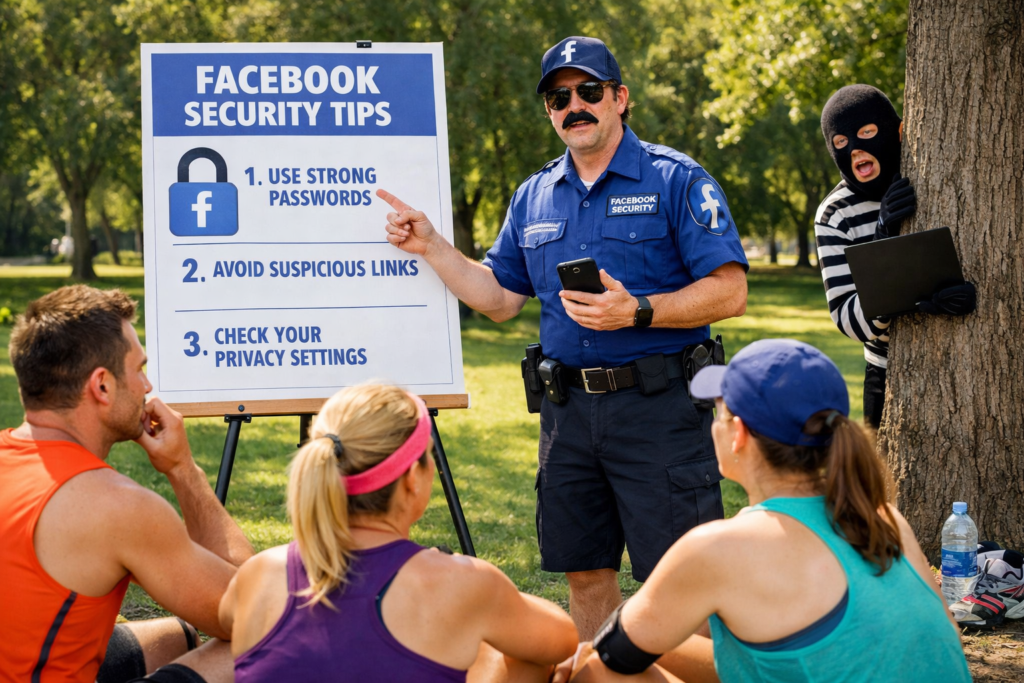
Jonathan Meltzer and Laura Ziton have teamed up to share practical tips to help keep your Facebook account secure, especially since so much of our communication happens on this platform. Here are some key steps you can take today:
Start with the Basics
- Use a strong, unique password – avoid reusing passwords from other accounts
- Enable two-factor authentication – this adds an extra layer of security beyond your password
- Set up login alerts – get notified if someone logs into your account from an unrecognized device
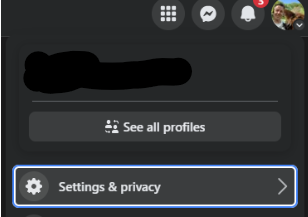
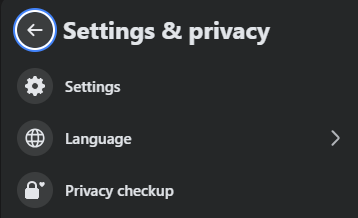
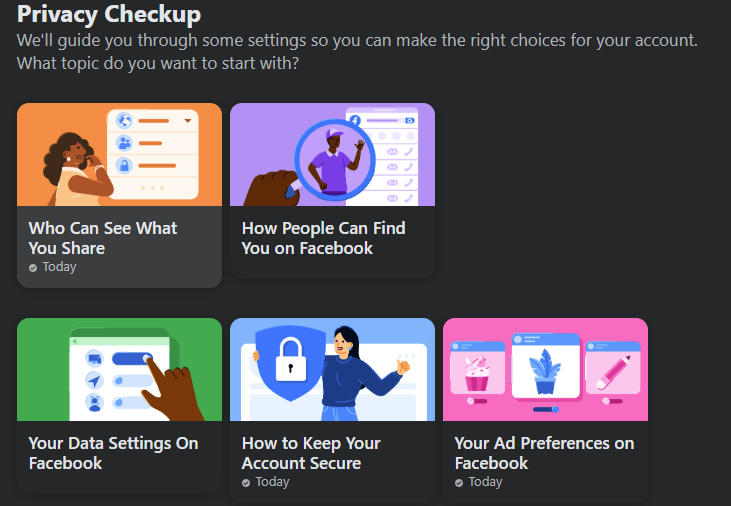
Facebook offers a simple, step-by-step process called Privacy Checkup to review these settings:
Go to: Settings & privacy → Settings → Privacy Checkup
Review:
- Who can see what you Share (go through all menus)
- How People Can Find you on Facebook (all menus)
- Your Data Settings on Facebook (all menus)
- How to keep account secure (all menus)
- Turn on 2-factor authentication here (most important thing you take away from this document)
Watch out for Social Engineering
Social engineering is a common way to exploit human behavior to trick people into giving up their Facebook credentials. Here are the main tactics:
1. Phishing – Attackers send fake emails, texts, or messages that look like they’re from Facebook and seem urgent (Suspicious login detected – click here to secure your account), but the link leads to a fake login page that captures your username and password.
2. Impersonation Scammers pose as trusted friends, colleagues, or even Facebook support and ask to share your login info
3. Fake Contests Asks you to login or confirm your account, but redirects to malicious sites designed to steal credentials.
4. Malicious Links in Messenger – Links that look like videos or news stories, but lead to a phishing page or install malware to get capture your info
How to Protect Yourself
- Never click suspicious links: verify URLs carefully.
- Enable two-factor authentication (2FA) so even if your password is stolen, attackers can’t log in.
- Check sender details: Facebook will never ask for your password via email or message.
- Use Privacy Checkup and review login alerts.